

When tech fails, everything else follows. That might sound dramatic, but anyone who’s had their systems crash during payroll or a big pitch knows it’s true. Business runs on a stable, secure infrastructure. And keeping that infrastructure humming requires constant upkeep. That’s where managed IT solutions step in to take the pressure off.
Think of it like vehicle maintenance. You wouldn’t drive across the country on bald tires and a clunky engine. So why would you run a business on outdated, unchecked systems? How can a professional managed IT services help? Let’s find out the answer here.
Hardware Doesn’t Last Forever
 Servers degrade. Routers overheat. Hard drives give out, often with no warning. A lot of downtime disasters start with hardware that’s been neglected or stretched too far. That’s why regular inspections and lifecycle tracking matter. Scheduled checkups help catch overheating processors, maxed-out memory, and storage risks before they cause a meltdown. It’s not just about keeping the lights on, it’s about avoiding that slow, silent creep toward failure.
Software Updates Are Non-Negotiable
Ignoring updates doesn’t save time. But it actually creates problems. Outdated applications can become security liabilities. Unpatched operating systems often act like open doors for malware and cyberattacks. Routine maintenance makes sure everything’s running current. That means compatibility, smoother performance, and tighter security. And if updates break things (because let’s be real, sometimes they do), managed services help troubleshoot before it snowballs.
Backups Aren’t Optional
Data loss happens fast and hurts hard. Power surges, accidental deletions, ransomware: all of them can leave you scrambling. Regular backups protect your files, customer data, and internal documentation. But backups only work if they’re done right and regularly tested. If the supply’s spoiled or missing when you need it, what’s the point?

Cybersecurity Doesn’t Sleep
Today’s threats are more persistent and automated than ever. Systems need around-the-clock protection, not just antivirus software from five years ago. Maintenance includes security updates, firewall tweaks, network monitoring, and user access reviews. Managed IT services provide that kind of behind-the-scenes vigilance, so small vulnerabilities don’t turn into massive breaches. Because, nothing wrecks a good quarter like leaked data or a ransomware lockout.
The Cost of Downtime Adds Up
A few hours offline can cost thousands. Lost productivity, missed sales, and frustrated clients pile up fast. But here’s the thing: most tech issues that cause downtime aren’t surprises, they’re the result of avoidable neglect. Even a 15-minute outage during peak hours can trigger a domino effect across departments.
Peace of Mind Shouldn’t Be Rare
Reliable infrastructure isn’t just a convenience; it’s a competitive advantage that keeps operations on track. Most business owners don’t want to mess with servers or spend their weekends rebooting routers. That’s why managed support matters. Delegating infrastructure maintenance frees up focus for growth, strategy, and actual work. No more guessing if your network will survive the week. By trusting experienced professionals like Ti Systems, businesses can sidestep disruptions and avoid reactive fire drills. It’s about staying ahead, staying secure, and keeping your team focused on what actually moves the needle.…
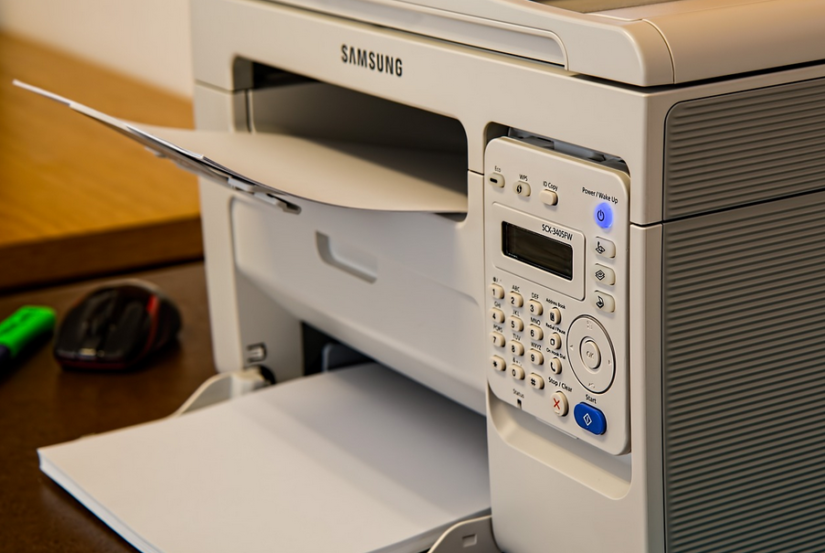
 When choosing the right printer, there are several aspects to look at. Foremost, determine whether you need a printer for personal or professional use. For home printing needs, an inkjet printer may suffice, offering vibrant colors and affordability. If your business requires high-volume printing with sharp text quality, a laser printer might be more suitable.
 Owning a printer can be convenient and


 Not all staff members have the same level of risk exposure or responsibility regarding cyber security. To ensure your training is effective, it’s important to tailor it to the specific needs of different job roles within your organization. For example, employees who handle sensitive data or access critical
 So, how does malware protection work? Well, it all starts with a scan. When you install malware protection on your site, it will scan your site for any malicious code. If any is found, it will attempt to block the code from running. In some cases, it may also remove the malware entirely. It can help protect your site from damage, and it can also help improve your site’s performance. Once the scan is complete, the malware protection will attempt to block any new malicious code introduced. It can be done by matching the code against a database of known malware. If a match is found, the code will be blocked from running. It can help protect your site from new threats, and it can also help improve your site’s performance.